IPTV Keeps Freezing Every 10 Seconds? Here’s the Real Fix
There’s nothing more frustrating than trying to watch your favorite channel, live match, or movie and having it freeze every few seconds. One moment everything works fine, and the next, you’re stuck waiting for the stream to load.
If this keeps happening, you’re not alone. IPTV buffering is one of the most common problems users face. The good news is that in most cases, it can be fixed quickly with the right adjustments.
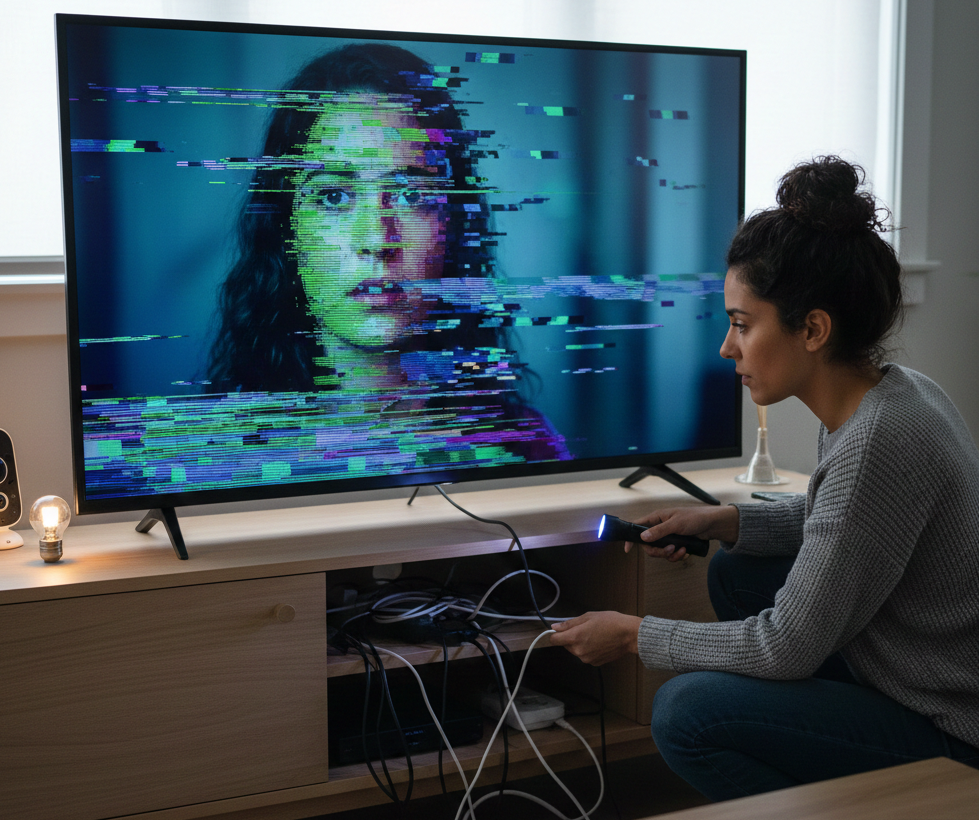
Why Does IPTV Keep Freezing?
Before fixing the issue, it’s important to understand the real cause. Many users immediately blame their IPTV provider, but buffering is often related to your internet connection, device, or configuration.
- Unstable internet connection
- Using WiFi instead of a wired connection
- Network congestion
- Device performance limitations
- ISP throttling
- Server overload during peak hours
Step-by-Step Fix
1. Use an Ethernet Connection
Switching from WiFi to a wired connection is one of the most effective solutions. Ethernet provides a more stable and consistent connection, reducing interruptions and buffering.
2. Restart Your Router
Turn off your router and modem, wait about 30 seconds, then turn them back on. This refreshes your network and can solve many connection issues.
3. Close Background Applications
If you are using a Smart TV, Firestick, or Android box, make sure no unnecessary apps are running. Too many active apps can reduce performance.
4. Optimize IPTV Settings
Adjust your app settings for better performance. Set buffer size to medium or large, enable hardware decoding, and use an external player if available.
5. Try a VPN
If your internet provider limits streaming speed, using a VPN can help stabilize your connection and improve performance.
6. Contact Your Provider
If the issue continues, ask your IPTV provider for another server. Many services offer multiple servers to balance load.
7. Lower Streaming Quality
Switching from 4K to HD or SD can reduce buffering if your connection is not stable enough.
When Does Buffering Happen Most?
Buffering is more common during peak hours when many users are online.
- Evenings between 8 PM and 11 PM
- During major sports events
- Weekends
Recommended Internet Speed
To enjoy smooth streaming, your connection should meet the following requirements:
- SD streaming: at least 5 Mbps
- HD streaming: at least 10 Mbps
- 4K streaming: 20 Mbps or higher
Keep in mind that a stable connection is more important than raw speed.
Additional Tips
- Keep your device updated
- Use reliable IPTV applications
- Avoid overloading your network
- Place your router close to your device if using WiFi
Conclusion
IPTV buffering is usually caused by connection or configuration issues rather than the service itself. By following these steps, you can significantly improve your streaming experience and eliminate most interruptions.
With the right setup, IPTV should run smoothly and provide high-quality entertainment without frustration.
Start Watching Without Buffering