IPTV Login Not Working? (Even If It’s Correct) — Complete Fix Guide
You enter your IPTV username and password, everything looks correct… but the login still fails. No access, no channels, just frustration.
If this sounds familiar, you’re definitely not alone. This is one of the most common problems IPTV users face, especially when setting up a new device or switching apps. The good news is that in most cases, the issue is not serious and can be fixed in just a few minutes with the right steps.
Before assuming your subscription is broken, it’s important to understand that IPTV login issues usually have simple explanations — and once you identify the cause, the fix becomes very easy.
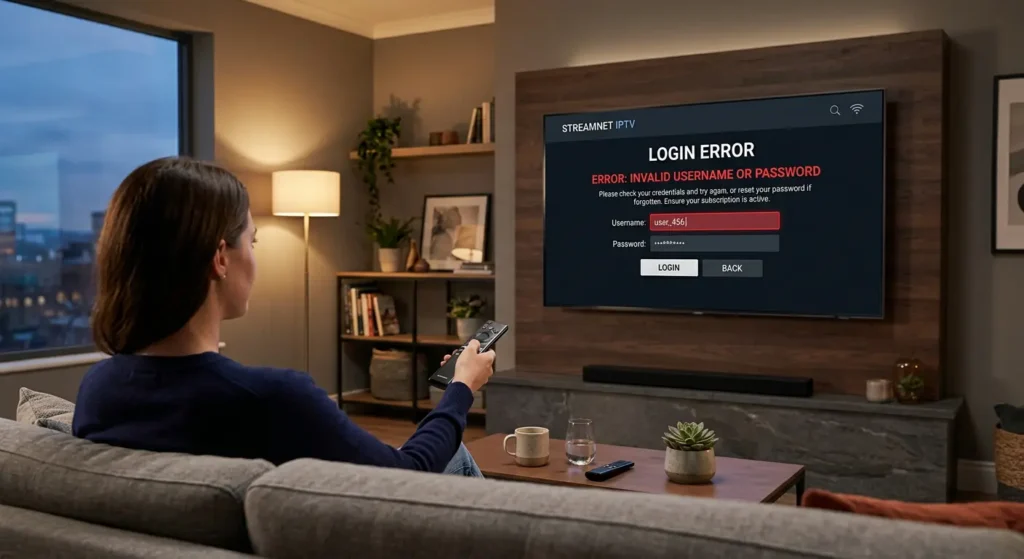
Why Your IPTV Login Is Not Working
There are several reasons why your IPTV login might fail, even if your credentials seem correct.
1. Expired Subscription
This is the most common cause. If your subscription has expired, your login will no longer work, even if your username and password are correct. Many users forget to check their subscription status before troubleshooting.
2. Wrong Login Format (Very Common)
IPTV services usually support different login methods such as Xtream Codes (username, password, server URL) or M3U playlist links. Using the wrong format will cause login failure.
3. Typing Errors or Hidden Characters
Copy-pasting credentials can introduce hidden spaces or characters. Even a small mistake like an extra space can block access.
4. Server Issues or Downtime
Sometimes the issue is not on your side. IPTV servers may be temporarily down or under maintenance.
5. App Compatibility Issues
Not all IPTV apps are compatible with every provider. Some apps may fail to connect properly.
6. Device-Related Problems
Older devices or outdated systems may struggle to connect to IPTV servers, especially on Smart TVs.
Step-by-Step Fix
- Re-enter your credentials manually (avoid copy-paste errors)
- Check if your subscription is still active
- Restart your device completely
- Update your IPTV app to the latest version
- Try another IPTV player (Ibo Player, Smart IPTV, TiviMate)
- Check your internet connection
- Contact your provider if the issue persists
Common Mistakes to Avoid
- Copy-pasting login details blindly
- Using the wrong login format
- Ignoring subscription expiration
- Using low-quality IPTV apps
- Not restarting the device
Pro Tips for a Smooth IPTV Experience
- Always save your credentials safely
- Use trusted IPTV apps
- Keep your apps updated
- Use stable internet (prefer Ethernet)
- Use compatible devices like Firestick or Android TV
Final Thoughts
IPTV login issues can be frustrating, but they are rarely serious. In most cases, the problem comes from incorrect input, wrong app, or expired subscription.
Once properly configured, your IPTV service should work instantly and give you access to thousands of channels, movies, and series without interruption.
Get Instant IPTV Access