IPTV Works on Phone but Not on Smart TV – Fix It in 5 Minutes
If your IPTV works perfectly on your phone but refuses to load on your Smart TV, you're definitely not alone. This is one of the most common problems users report online, especially on forums like Reddit or tech communities. It can be frustrating because everything seems fine on one device, but completely broken on another.
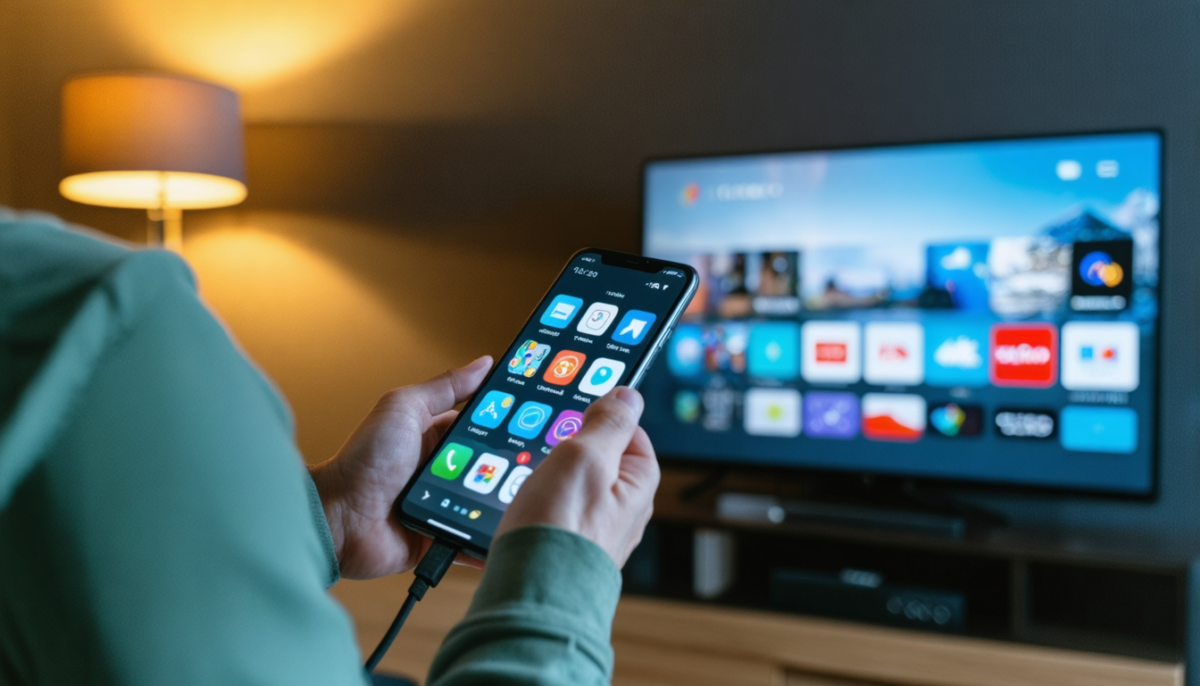
The good news is that in most cases, this issue is not serious at all. In fact, it usually comes from a simple configuration problem rather than your IPTV subscription itself. With the right steps, you can fix it in just a few minutes and enjoy smooth streaming on your TV.
Why IPTV Works on Your Phone but Not on Your Smart TV
To understand the problem, you first need to know that smartphones and Smart TVs behave very differently.
Smartphones are extremely flexible devices. They support a wide range of applications, codecs, and streaming formats. Most IPTV apps are optimized for mobile devices, which is why everything works smoothly there.
Smart TVs, on the other hand, are more limited. They rely on specific IPTV players, and their operating systems (Samsung Tizen, LG WebOS, etc.) do not support all formats or apps equally. This is why you may experience issues even if your subscription is perfectly fine.
Most Common Causes of This Issue
There are several reasons why IPTV may fail on your Smart TV while working perfectly on your phone.
One of the most common causes is using the wrong IPTV application. Not all IPTV apps are compatible with every service. Some apps simply do not support certain formats or servers.
Another frequent issue is incorrect login format. IPTV providers usually offer different connection methods such as Xtream Codes or M3U links. If you use the wrong format, the app will not be able to load your channels.
Outdated applications can also create problems. Older versions may have bugs or compatibility issues that prevent proper streaming.
Device limitations are another factor. Some Smart TVs have weaker processors or limited memory, which can affect performance and loading.
Finally, network differences can play a role. Your phone may be using mobile data or a different WiFi band than your TV, leading to different results.
Step-by-Step Fix (Follow Carefully)
If you want to fix the issue quickly, follow these steps one by one.
Start by installing a reliable IPTV application. Apps like Ibo Player or Smart IPTV are known for their stability and compatibility with most services.
Next, carefully re-enter your login credentials. Avoid copy-pasting if possible, because even a small mistake or extra space can cause errors.
Then, restart your Smart TV completely. Turn it off, unplug it for a few seconds, and turn it back on. This helps clear temporary bugs.
After that, make sure your IPTV app is updated to the latest version. Updates often fix compatibility issues and improve performance.
If the problem is still there, try switching to another IPTV player. This is one of the most effective solutions, and it works in many cases.
Advanced Fixes (If Nothing Works)
If the basic steps didn’t solve your issue, you can try these advanced solutions.
Check your internet connection on the TV. Make sure it is stable and fast enough. If possible, switch from WiFi to a wired Ethernet connection for better performance.
Clear the cache of your IPTV app. This removes temporary files that may be causing conflicts.
Try resetting your Smart TV network settings and reconnecting to WiFi.
You can also test your IPTV subscription on another device (like a laptop) to confirm that the service itself is working properly.
Pro Tips for a Better IPTV Experience
To avoid similar problems in the future, here are some useful tips.
Always use recommended IPTV apps instead of random ones from the store.
Keep your apps and devices updated regularly.
Use a stable internet connection, preferably with at least 10 Mbps speed for HD streaming.
Avoid running too many apps at the same time on your Smart TV.
Final Thoughts
In reality, most IPTV issues on Smart TVs are caused by the app or configuration, not the subscription itself. This is why your phone works perfectly while your TV struggles.
Once everything is properly set up, your Smart TV should deliver the same smooth experience as your phone — if not better, thanks to the larger screen and better viewing comfort.
If you're still facing issues, switching to a more reliable IPTV setup or service can make a huge difference in your overall experience.
Ready for a Smooth IPTV Experience?
If you're tired of unstable apps and constant issues, it might be time to upgrade to a more reliable IPTV service with better compatibility and performance.
👉 Enjoy stable streaming, instant activation, and full compatibility across all your devices.
Subscription Now